Have you ever wondered what goes on behind the scenes of a movie set or a professional photography shoot? Beyond the actors and directors, there's a team of tech experts ensuring everything looks and works perfectly. One of those experts is the Digital Imaging Technician, or DIT.
The DIT is a vital, behind-the-scenes role, acting as the bridge between the artistic vision and the technical reality of digital filmmaking and photography. They manage all the digital aspects of the camera work, making sure footage is captured accurately and securely.
What Does a DIT Do?
Think of the DIT as the person responsible for the integrity of the digital images captured on set. Their core responsibilities include:
Ensuring Image Quality: They make sure the camera is capturing the best possible images or photos by checking critical elements like color, sharpness, and exposure.
Managing Data: DITs handle the massive amounts of digital files generated during filming or photoshoots, ensuring everything is safely backed up and organized.
Working with the Creative Team1: They collaborate closely with the director, cinematographer, or photographer to achieve the desired look and feel for the project.
Troubleshooting Technical Issues: They are the go-to person when something goes wrong with the camera or related equipment.
Digital Best Practices: What We Can Learn from DITs
While most of us aren't working on film sets, we can learn a lot from the meticulous way DITs handle digital data. By adopting their best practices, we can better manage our own digital lives, especially when it comes to backing up and storing important information.
Here are some habits inspired by a DIT's work:
1. Back Up Your Data: Protect Your Digital Life
Just like DITs meticulously back up every piece of footage or every photo, you should regularly back up your important files (photos, documents, videos, etc.).
Cloud Storage: Use services like Google Drive, Dropbox, or Amazon S3.
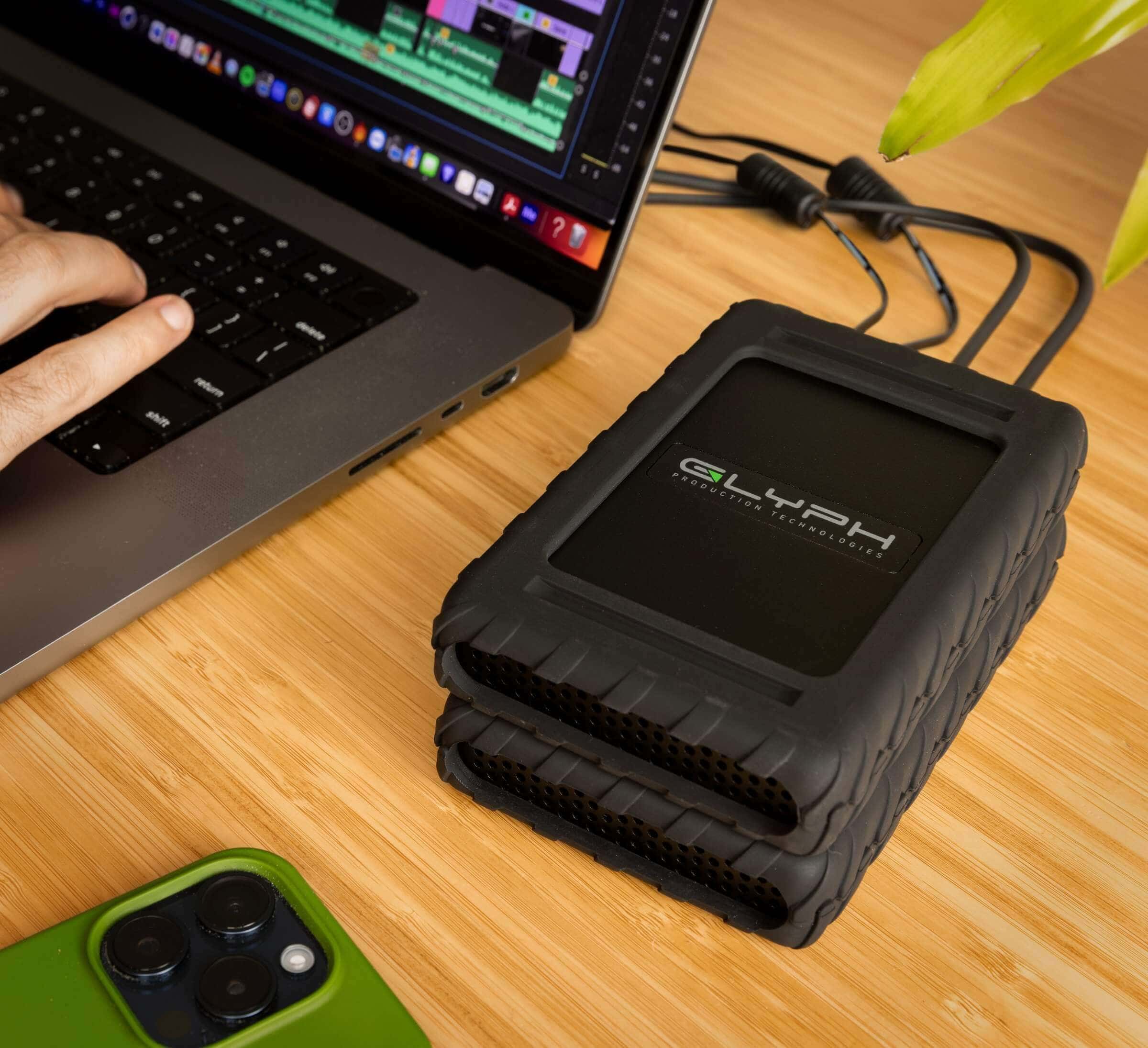
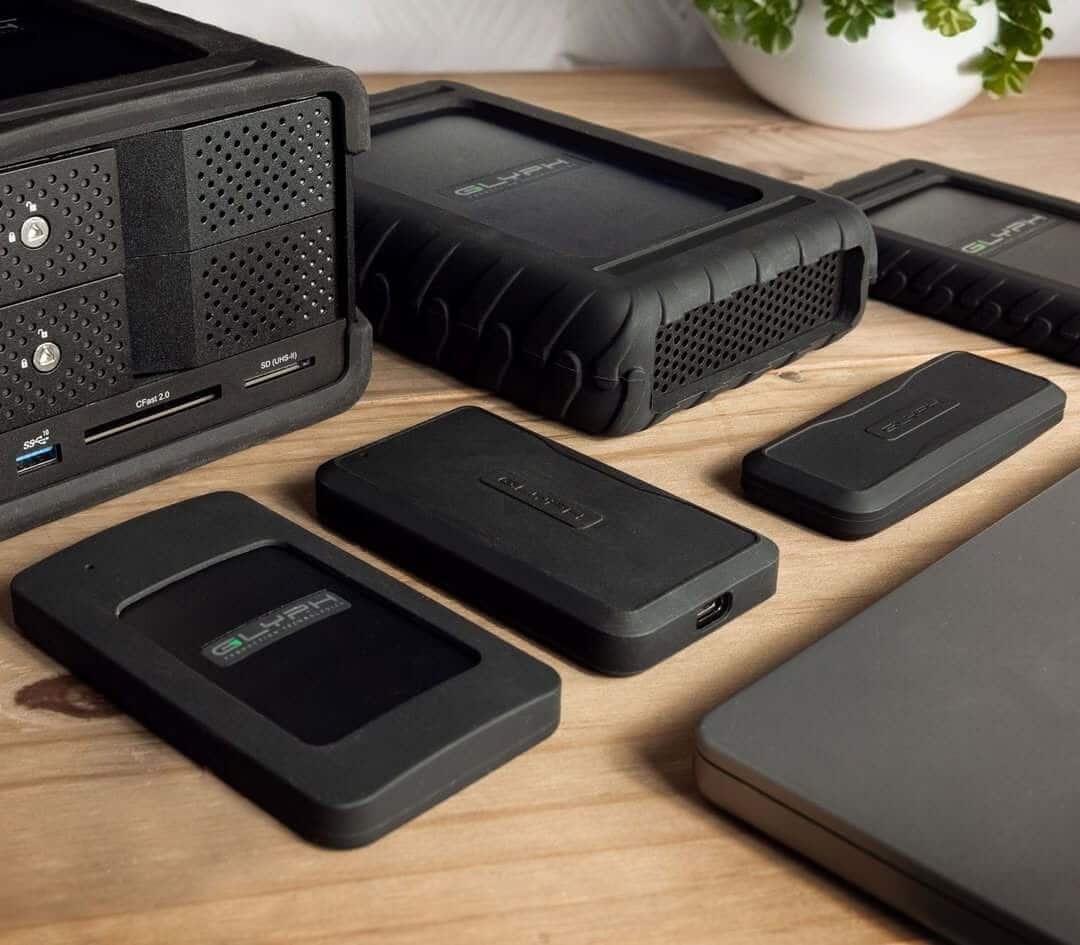
External Hard Drives: Purchase an external hard drive and regularly copy your files and invest in quality drives. Typical consumer drives are not designed for the workflows used in a production environment. We would recommend using our Blackbox Series of drives.
2. Organize Your Files: Keep Things Tidy
DITs rely on systems for organizing massive amounts of data, and you can, too.
Create Folders: Make folders for different types of files (e.g., Photos, Documents, Videos).
Use Consistent Naming: Use clear naming conventions (e.g., "YYYY-MM-DD_EventName.jpg").
Delete Unnecessary Files: Regularly delete files you no longer need.
3. Be Mindful of Storage: Manage Device Space and Equipment
Film shoots generate a lot of data, and our personal devices can fill up quickly as well.
Clear Old Files: Regularly delete old files and downloads.
Manage Storage Settings: Check your device's storage settings to see what's taking up space.
Have Additional Storage Devices on Hand: Shoots can end up with more footage than anticipated and equipment can sometimes fail. Be sure to include additional storage in you build out just to be safe.
Getting Started as a DIT
If you're interested in becoming a DIT, here are a few recommendations for getting started:
Master Data Management: Learn to handle massive amounts of data efficiently. DITs often use specialized applications for offloading and verifying data copies, such as OffShoot or Shotput Pro. These tools help ensure that every digital file is safely transferred and duplicated from the camera's media.
Understand Digital Cameras: Develop an in-depth understanding of professional digital cinema and photography cameras, their settings, and their outputs.
Study Color and Exposure: A DIT's role involves ensuring image quality, so a strong grasp of color science, exposure, and color correction/grading is essential.
Build a Reliable Cart: A DIT needs a well-organized and reliable workspace on set. Look into building a dedicated DIT cart that can safely house your computer, drives, and necessary monitors.
Invest in Quality Storage: A DIT's livelihood depends on reliable data transfer and storage. Utilizing robust, high-speed external drives, such as products from Blackbox Pro U.2, is crucial for safely backing up and managing critical film footage.
DITs play a crucial role in the filmmaking world, and their meticulous approach to digital data offers valuable lessons for all of us. By embracing these digital best practices, we can all keep our information safe and organized.