Video editors are obsessed with bandwidth. We talk about "big pipes," 8K streams, and the sheer weight of RAW footage. But while video editors have been focusing on the size of the data, sound designers and composers have been focusing on its integrity and agility when it comes to storage.
In the audio world, a single project can trigger 2,000 tiny files simultaneously. If one of those files is "lost" or misnamed, the entire soundscape collapses. Sound pros have developed a "Zero-Failure" storage philosophy that video editors desperately need to steal.
Here is what the world of audio post-production can teach you about mastering your storage.
1. The "Twin Peaks" Lesson: Metadata is Not Optional
In a famous industry blunder, a German broadcaster once aired the wrong episode of Twin Peaks because of inconsistent file naming. The spoilers hit social media before the master control room could even react.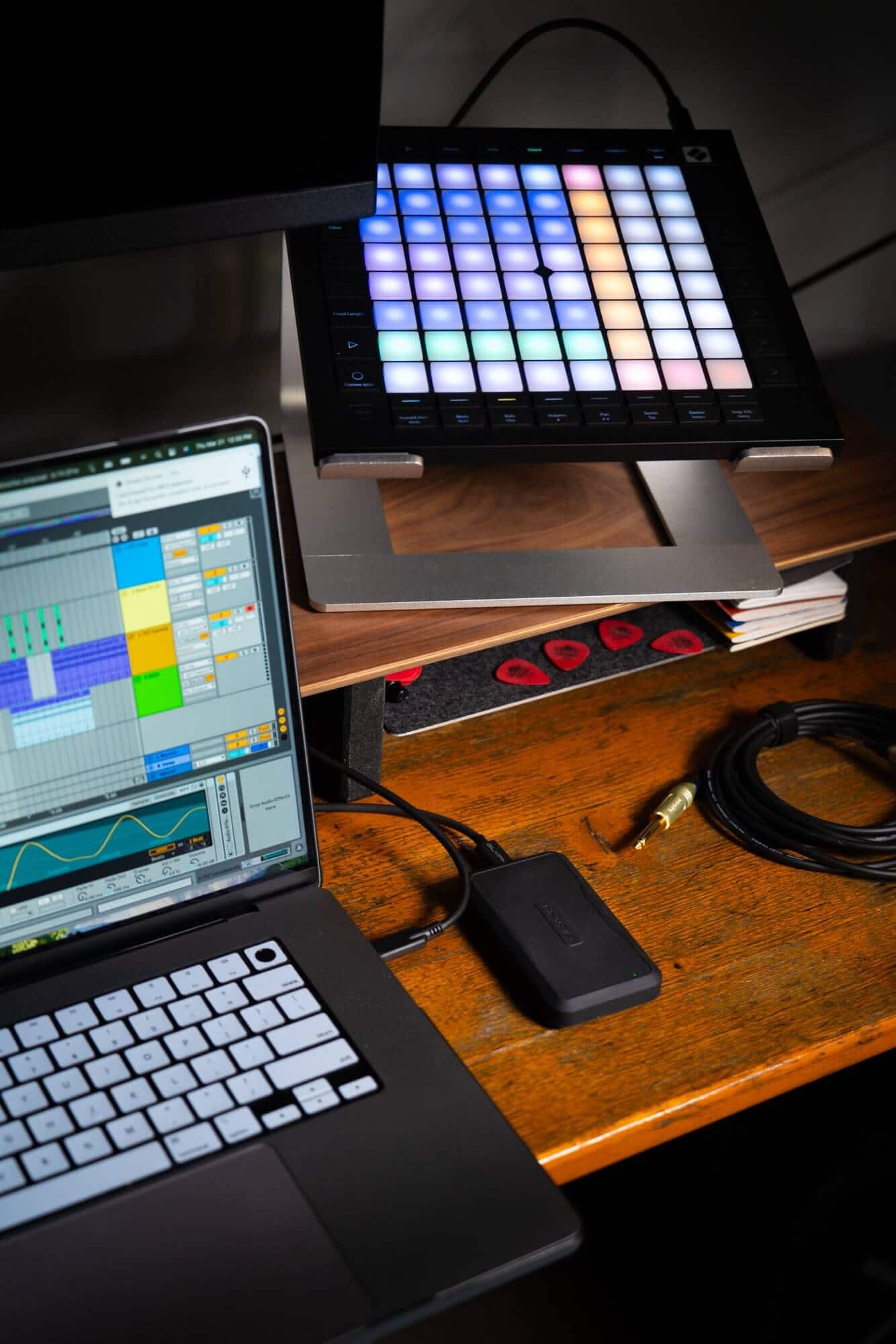
The Video Takeaway: Stop naming your files Final_V2_ActualFinal.mp4. Adopt a sound designer’s metadata discipline. If your storage isn't searchable by content and date without opening the file, your storage is failing you.
2. High IOPS Over Raw Speed
Video editors often buy drives based on "Sequential Read Speed" (how fast it can read one giant file). But sound designers care about IOPS (Input/Output Operations Per Second).
When a composer plays back a virtual orchestra, the hard drive has to "jump" to 500 different locations on the disk at once to play the violins, horns, and percussion.
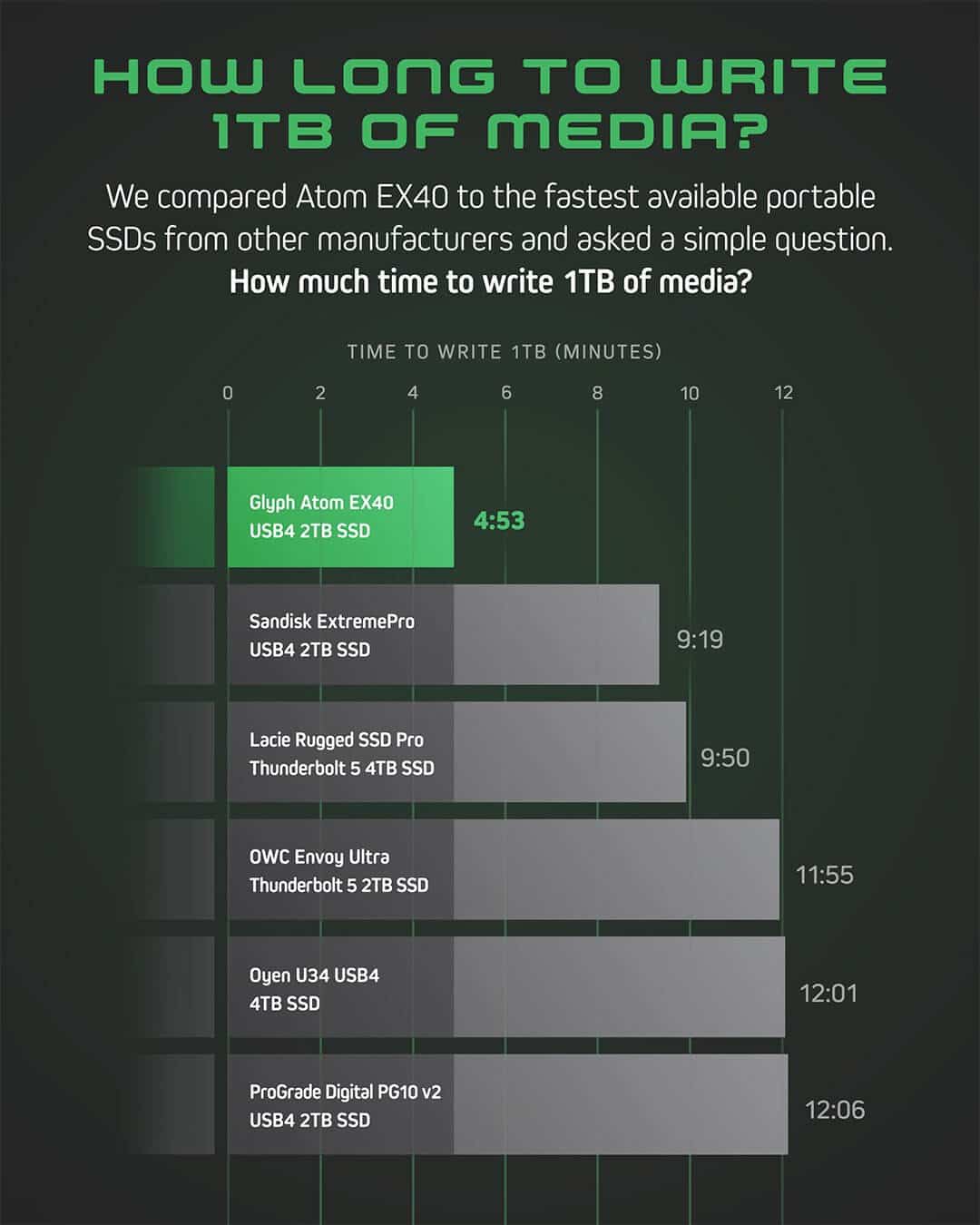
The Video Takeaway: Modern video editing, especially multicam and high-resolution proxy workflows, is behaving more like audio. If your timeline "stutters" when you scrub, it’s likely not a lack of speed, but a lack of IOPS. Moving your project files to an NVMe SSD (the favorite of audio pros) will give you "snappiness" that a massive HDD RAID never can.
3. The "Stems" Philosophy: Modular Storage
In audio post, a project is broken down into "stems" (Dialogue, Music, Effects). This modular approach means that if the music changes, the dialogue stays untouched.
Video editors often treat a project as one giant, monolithic block of data. When you need to move a project to a new drive, you’re forced to move everything.
The Video Takeaway: Organize your storage into "Audio-style" modules. Keep your sound libraries, your graphic assets, and your raw footage on separate logical volumes. This prevents your storage from becoming a "black hole" where one corrupted file kills the entire project directory.
4. Redundancy as an Art Form
Audio pros are the original "Data Preppers." Because a sound session is made of thousands of tiny linked files, the risk of a "broken link" is high. They use a Hot/Warm/Cold storage strategy:
Hot: High-speed NVMe for the active session.
Warm: Fast SSD for the sound library.
Cold: Massive HDD arrays for archival.
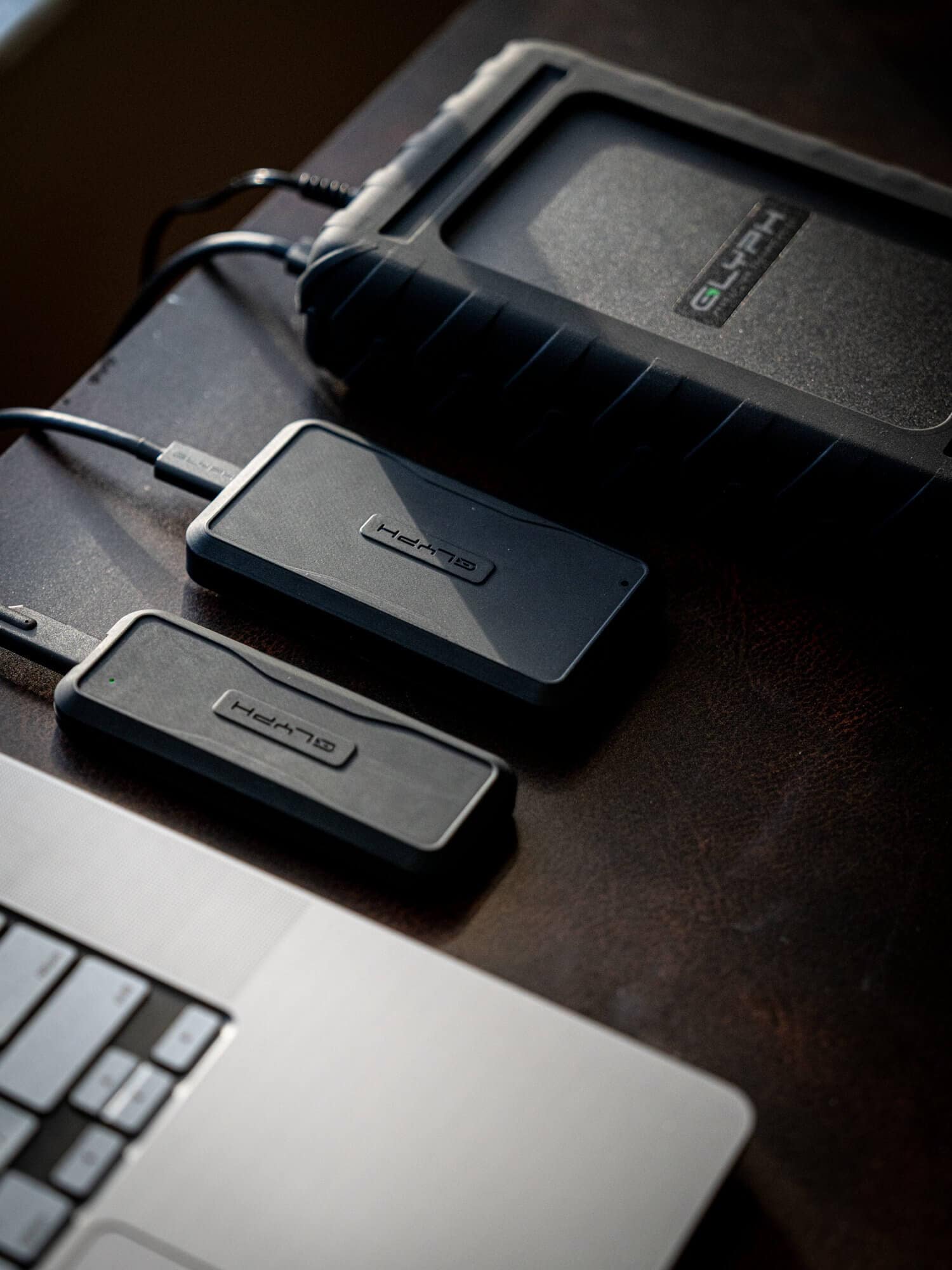
The Video Takeaway: Most editors work off one "fast drive" and one "backup drive." By adopting a tiered storage strategy, you ensure that your most expensive storage space (the SSD) isn't being wasted on "cold" footage you haven't touched in weeks.
5. Managing the "Long Tail" of Assets
A sound designer might use a recording of a door creak they made 10 years ago. Their storage is built for longevity and retrieval. Video editors tend to think project-to-project, often "losing" B-roll or assets once a project is wrapped.
The Video Takeaway: Build your storage for the version of you ten years from now. Use "Sidecar files" and external databases (like Soundminer or Adobe Bridge) to index your video assets the way a sound designer indexes their library. Your future self—and your storage capacity—will thank you.
Summary: Stop Thinking in Megabytes, Start Thinking in Systems
Video storage isn't just a bucket for your footage; it’s the nervous system of your creative process. By looking "sideways" at how sound designers manage their high-track-count, high-risk environments, you can build a workflow that is faster, safer, and most importantly spoiler-free.