If you spend your days scrubbing video timelines, tweaking graphic assets, or mixing audio, you already know the drill: hours pass in the zone, and you wake up from your creative flow with a stiff neck, throbbing wrists, and a lower back that feels like it’s aged thirty years. We often assume fix-it ergonomics requires dropping $1,500 on a motorized standing desk or overhaul your whole workspace. But here's the good news: you don't need a massive studio budget to make a massive difference in how your body feels.
Targeted, budget-friendly adjustments, often under $100 or using items you already own, yield the highest immediate return on comfort and daily editing speed. Here are five easy, high-impact desk upgrades you can make right now to keep your creative momentum going without burning out your joints.
1. Lift Your Display: Stop the "Text Neck" Slouch
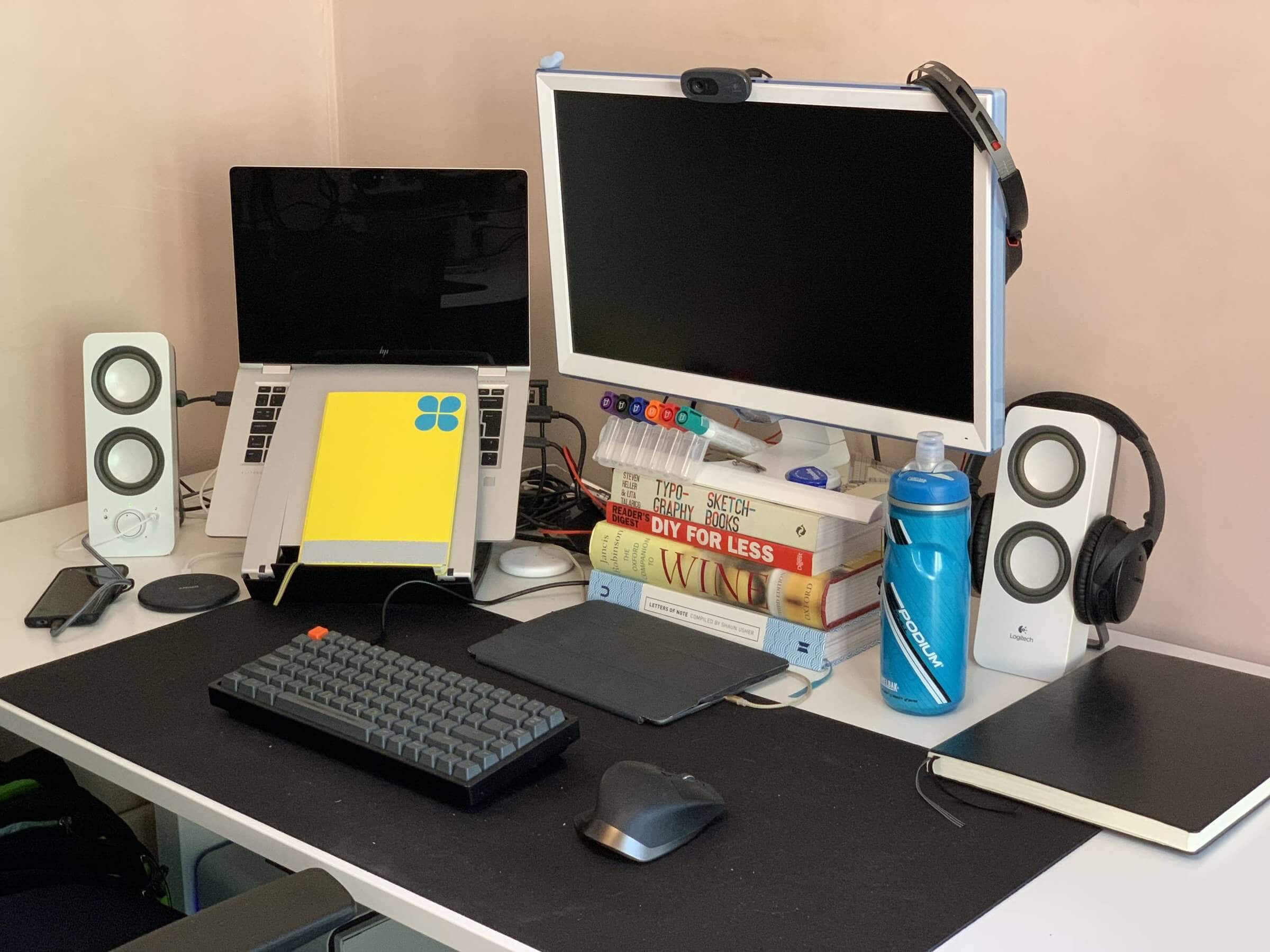
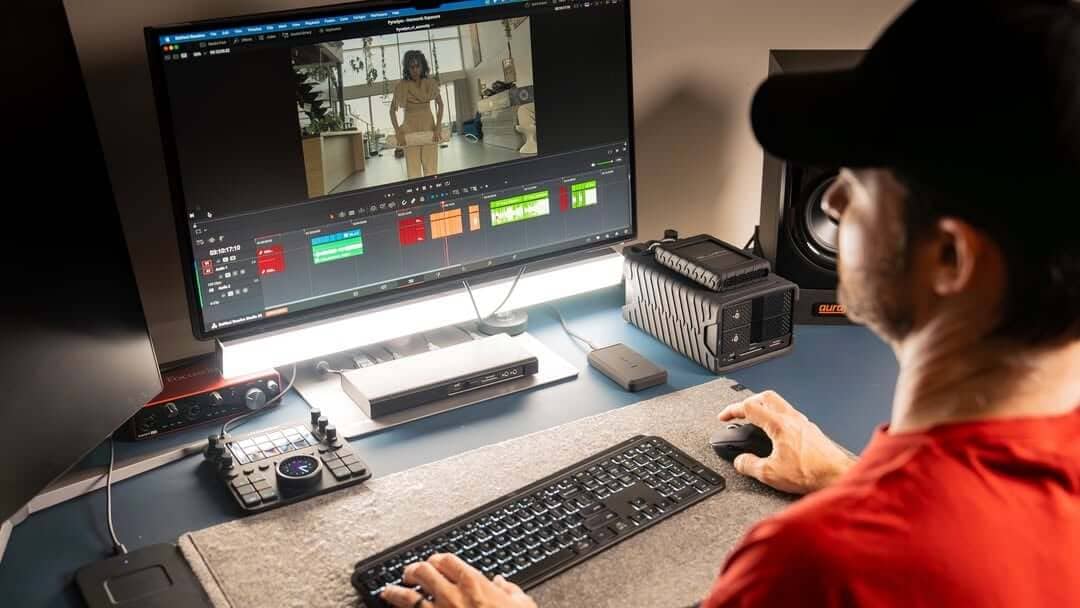
Laptops and default screen stands are notorious posture traps. When your screen sits below your eye line, your head naturally tilts down. For every single inch your head moves forward, your neck muscles have to hold an extra 10 pounds of weight. Over a 6-hour editing session, that is a recipe for upper back strain and tension headaches.
The Easy Fix: Elevate your display so the top third of the monitor sits right at eye level. You can grab a dedicated desktop laptop stand for under $30, or simply stack a few heavy art books under your monitor base. A high quality monitor arm is also work considering and can often be found on sale if you shop around.
Why It Works: Lifting your sightline automatically pulls your shoulders back and aligns your spine. You’ll stop leaning in to see small details on your timeline, keeping your posture neutral effortlessly.
2. Switch to a Low-Profile Mic Arm
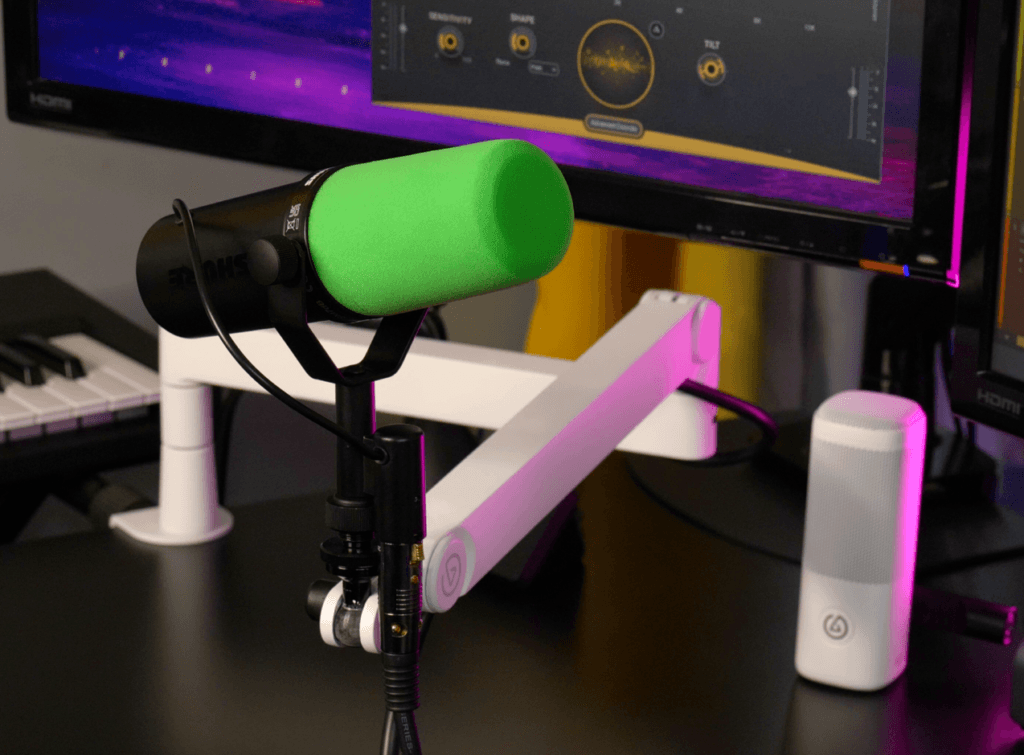
If you do voiceovers, podcasting, or streaming, standard boom arms can be a pain. High-friction top-down arms often hang directly in front of your vision, blocking secondary preview screens or forcing you to hunch forward toward a stationary desk mount.
The Easy Fix: Swap out your standard setup for a low-profile mic arm ($40 to $70). These arms sit close to your desk surface and swing under your main monitor rather than over it.
Why It Works: Low-profile arms bring the microphone directly to your natural, upright position without cluttering your camera frame or forcing you to duck and lean to check your controls.
3. Offload Hotkeys to a Budget Macro Pad
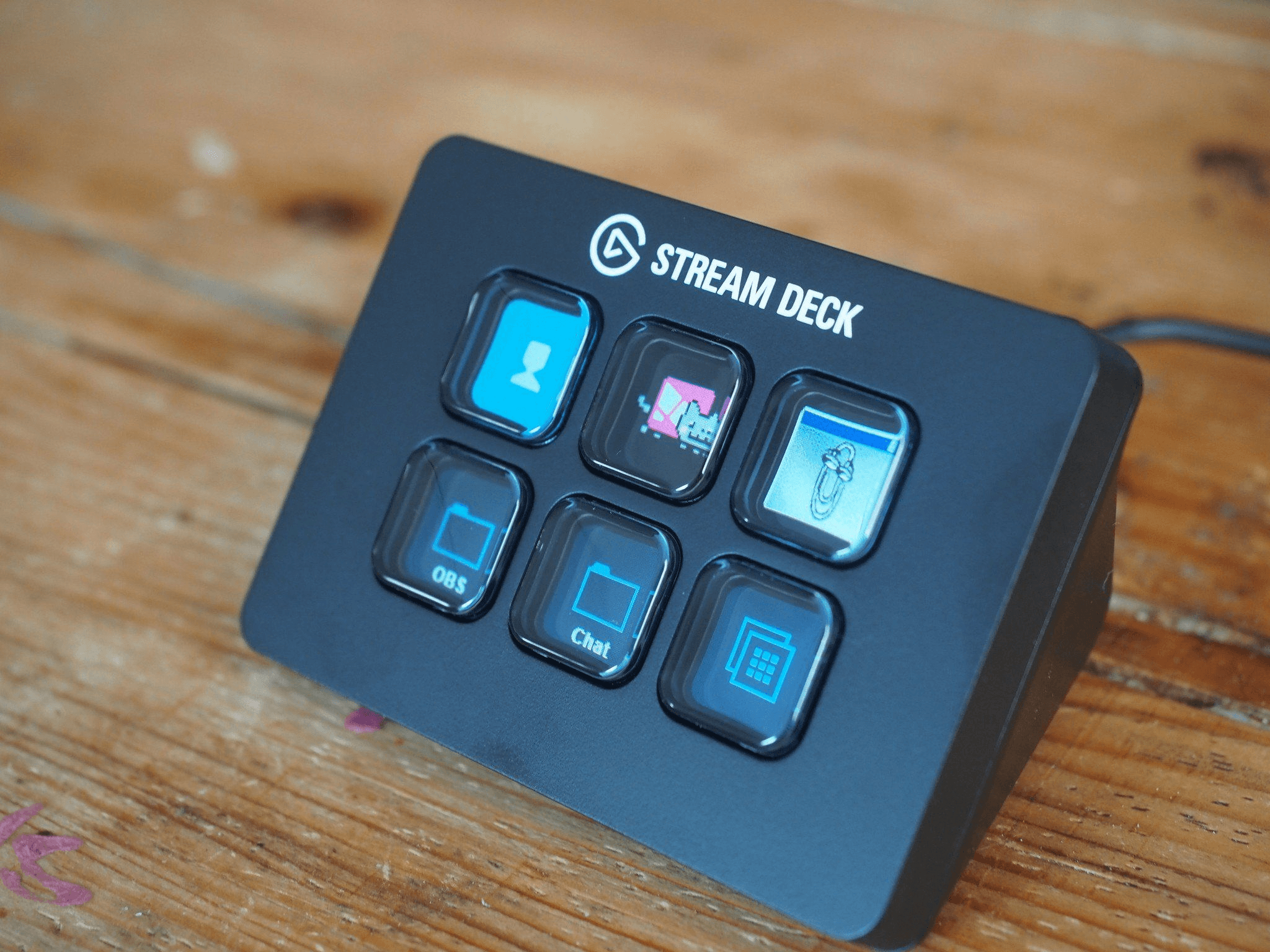
Video editors and graphic designers rely heavily on complex key combos (looking at you, Ctrl + Alt + Shift + S). Constant claw-hand keying puts uneven tension on your hands and forearms, leading to micro-strains over time.
The Easy Fix: Pick up a small 3-key to 9-key programmable macro pad for $15 to $30. Map your single-click buttons to your highest-frequency actions: blade cut, ripple delete, play/pause, or export. Upgrading to more specialized controllers with built in LCDs and knobs will cost you a bit more but add some flexibility.
Why It Works: Single-touch physical buttons keep your hands relaxed and save hundreds of repetitive finger stretches every hour—shaving time off your editing workflow while sparing your tendons.
4. Flatten Your Keyboard & Soften Your Wrists
Resting your wrists against the sharp plastic or wooden edge of your desk compresses the median nerve, contributing to carpal tunnel symptoms and hand numbness. Furthermore, popping out the little feet on the back of your keyboard bends your wrists upward into an unnatural angle.
The Easy Fix: Fold those keyboard legs back down so your board lies flat, and grab a soft memory foam or gel wrist rest ($10 to $20) for your keyboard and mouse pad.
Why It Works: Keeping your wrists in a flat, straight plane allows your forearms to glide smoothly across the desk, eliminating pressure points and keeping blood flowing freely to your fingers.
5. Ground Your Feet with an Under-Desk Footrest
If you've raised your chair height so your elbows rest comfortably at 90 degrees to your desk surface, there’s a good chance your feet are barely touching the floor. Dangling feet pull your lower pelvis forward and put direct pressure on the back of your thighs, causing lower back tightness.
The Easy Fix: Place a simple firm foam under-desk footrest or yoga block ($20 to $25) right where your feet rest.
Why It Works: Stably supporting your feet takes stress off your hamstrings, stabilizes your hips, and takes the strain off your lumbar spine during long rendering waits.