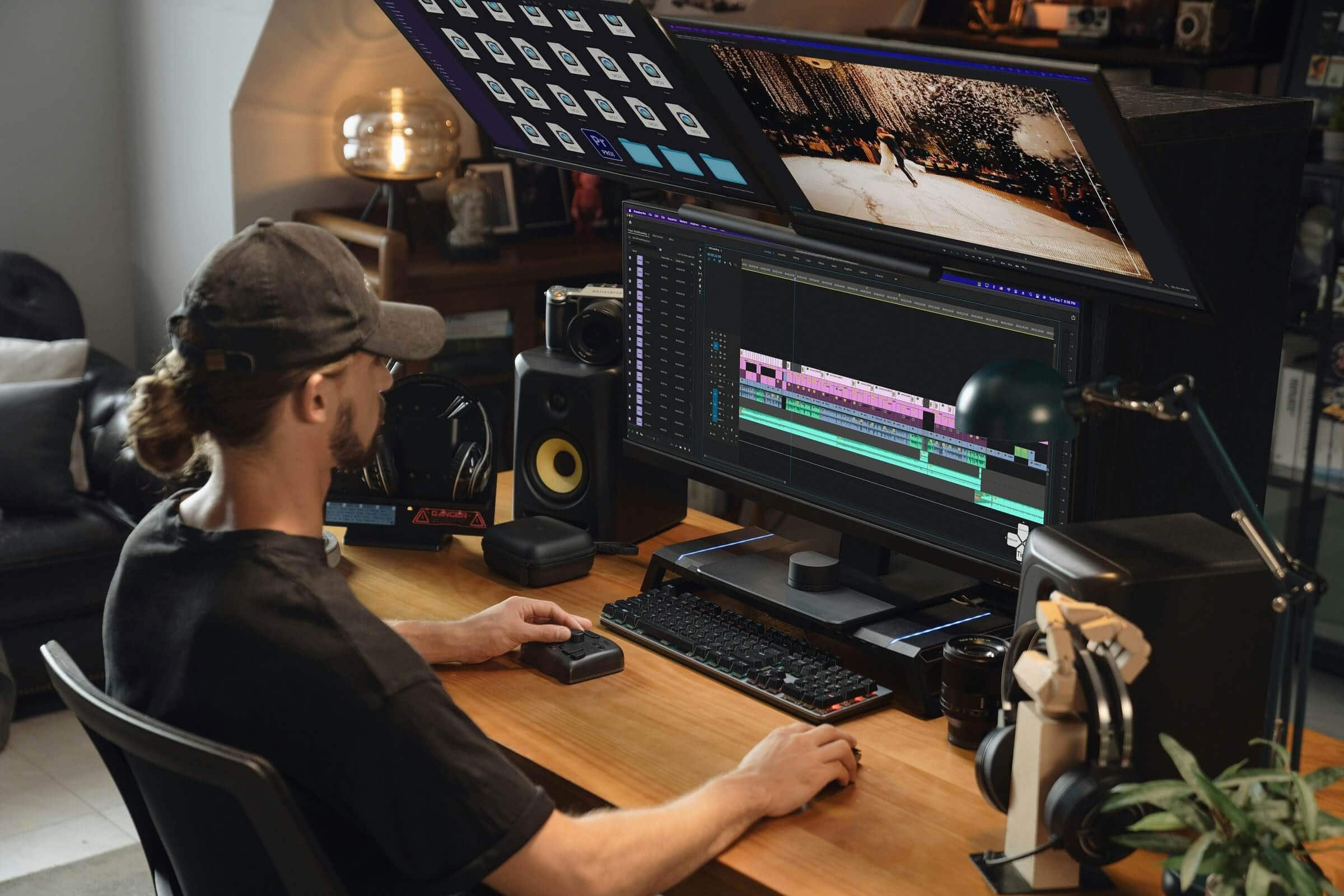
Are you tired of waiting for massive 4K files to copy over? If you're running a standard 1 Gigabit Ethernet (1GbE) network, your transfer speeds are capping out at around 125 MB/s. For context, a modern NVMe SSD in your computer can move data at over 5,000 MB/s. When you try to scrub a multi-cam 4K timeline stored on a 1GbE NAS, your editing software chokes, forcing you to rely on time-consuming proxy workflows.
Enter 10 Gigabit Ethernet (10GbE).
Is 10GbE Actually Worth It?
For solo editors working purely off internal drives, probably not. But if you are working off a Network Attached Storage (NAS) device—whether to safeguard your footage, build a central archive, or share projects with a team—10GbE changes the game entirely.
With network speeds up to 1,250 MB/s, 10GbE allows you to edit high-bitrate 4K (and even some compressed 8K) footage directly off your NAS as if the drives were plugged right into your machine. No more creating proxies just to preview a clip, and no more leaving your computer on overnight to transfer a massive project.
10GbE NAS vs. Direct Attached Storage (DAS)
A common question content creators ask is: Should I just buy a super-fast Thunderbolt RAID enclosure (DAS) instead?
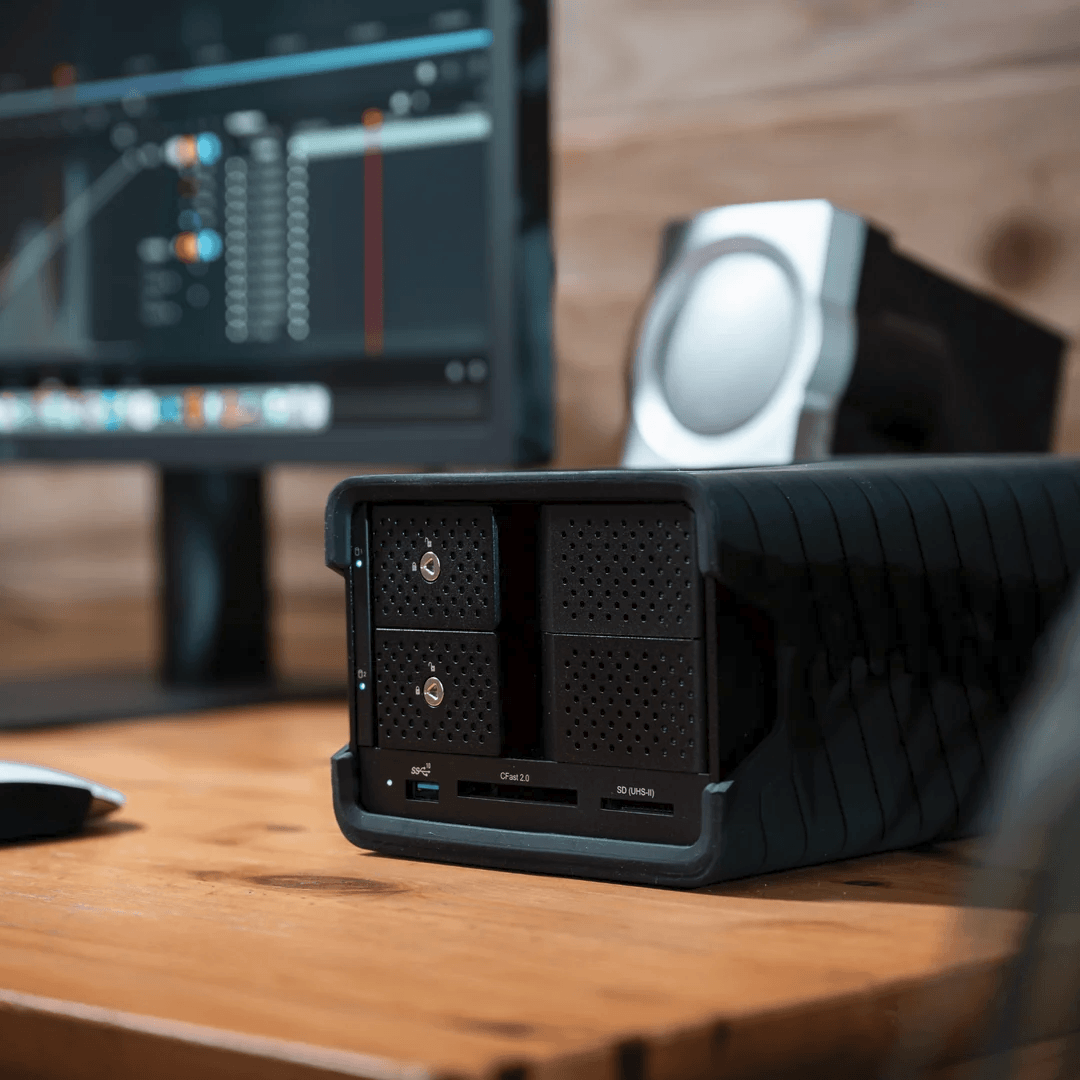
If raw speed for a single user is your only priority, a DAS connected via Thunderbolt 3 (Like the Blackbox PRO Raid) or 4 is technically faster (supporting up to 40Gbps of link bandwidth) and often cheaper to set up. However, a DAS ties you to one physical workstation.
If you move between a desktop and a laptop, collaborate with another editor, or need access to your files over Wi-Fi when you're in another room, a 10GbE NAS is vastly superior. It offers the centralized freedom of a network with the bandwidth of direct storage.
Key insight: A DAS is like a massive high-speed external hard drive for one person. A 10GbE NAS acts like a high-speed server that your whole studio can edit from simultaneously.What You Need to Consider (The Setup)
Upgrading to 10GbE requires upgrading the complete chain. If even one link in your network is 1GbE, your entire transfer speed throttles down to 1GbE. Here is what you need to upgrade:
A 10GbE-Capable NAS: Your NAS must have a 10GbE port. Some higher-end models include it natively, while others require adding a PCIe expansion card.
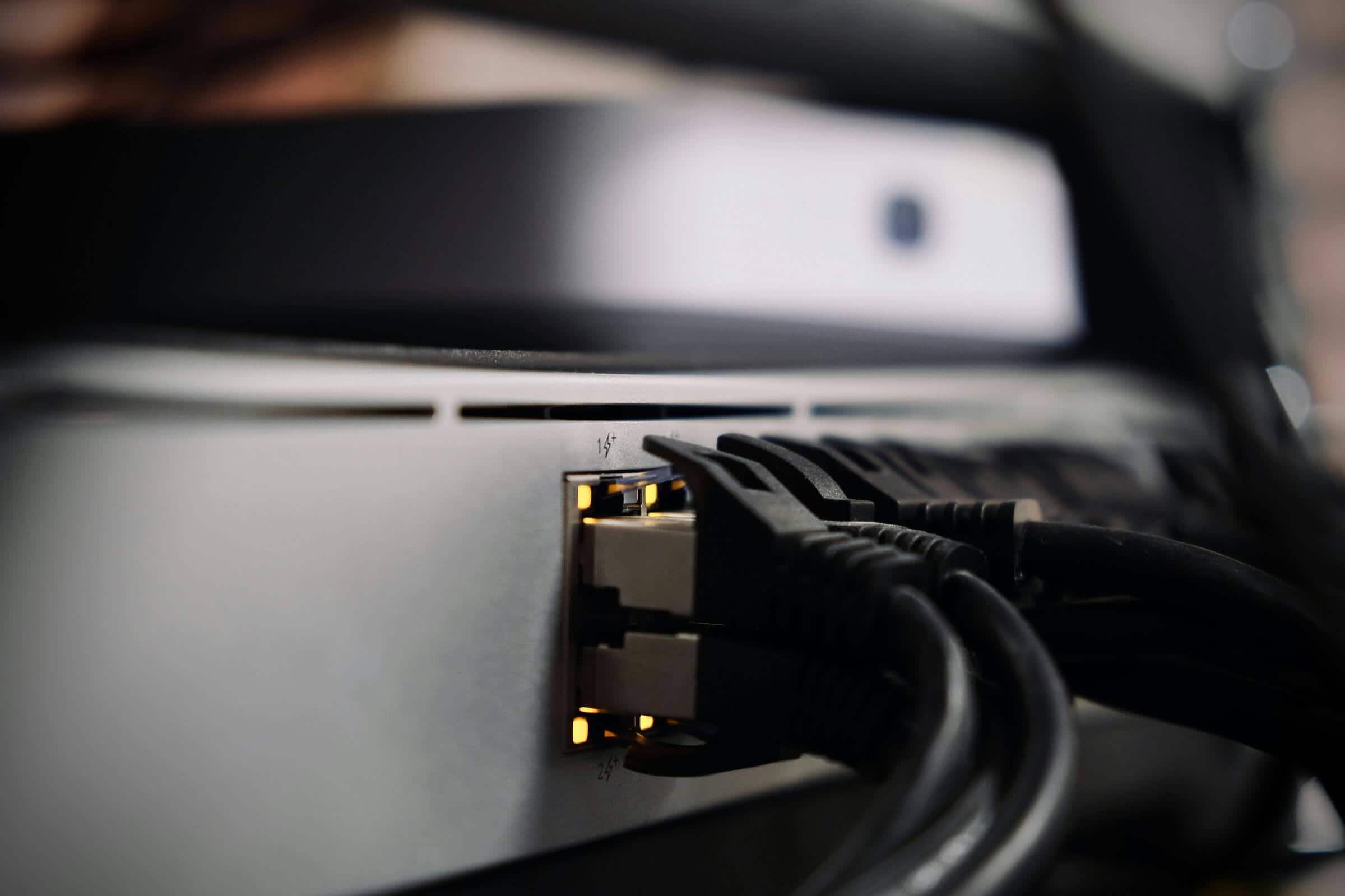
The Switch: You will need an unmanaged or managed 10GbE switch to route the traffic.
Computer Adapters: Most Macs and PCs don't have 10GbE ports built-in. You'll need a Thunderbolt 3 to 10GbE adapter (or a PCIe Network Interface Card for desktop PCs). Avoid standard USB-C dongles, as they can throttle under sustained heavy loads.
Cabling: Standard Cat5e won't reliably push 10Gbps over long distances. You need Cat6 (good for up to 55 meters) or Cat6a cabling.
Is It Expensive?
Yes, but it is more accessible than ever. In the past, enterprise-grade 10GbE cost thousands of dollars. Today, you can build a small studio setup relatively affordably using copper (RJ45) connections:
Component | Estimated Cost | Notes |
|---|---|---|
10GbE Switch | $200 - $500 | Look at 3-to-5 port options from QNAP or Netgear for small setups. |
Thunderbolt 10GbE Adapter | $150 - $200 | Brands like OWC or Sonnet offer reliable adapters for laptops. |
NAS Expansion Card | $100 - $150 | Necessary if your NAS model only features PCIe expansion bays. |
Cat6 / Cat6a Cables | $20 - $50 | Very affordable for standard room-to-room runs in a house or studio. |
Total Networking Cost: Roughly $450 to $900 (excluding the actual NAS enclosure and hard drives).
The Verdict
If you're a freelancer shuffling external SSDs between machines or a small agency struggling to sync project files across multiple editors, a 10GbE network is one of the most impactful workflow investments you can make. It effectively eliminates network transfer bottlenecks and makes centralized video editing a reality.
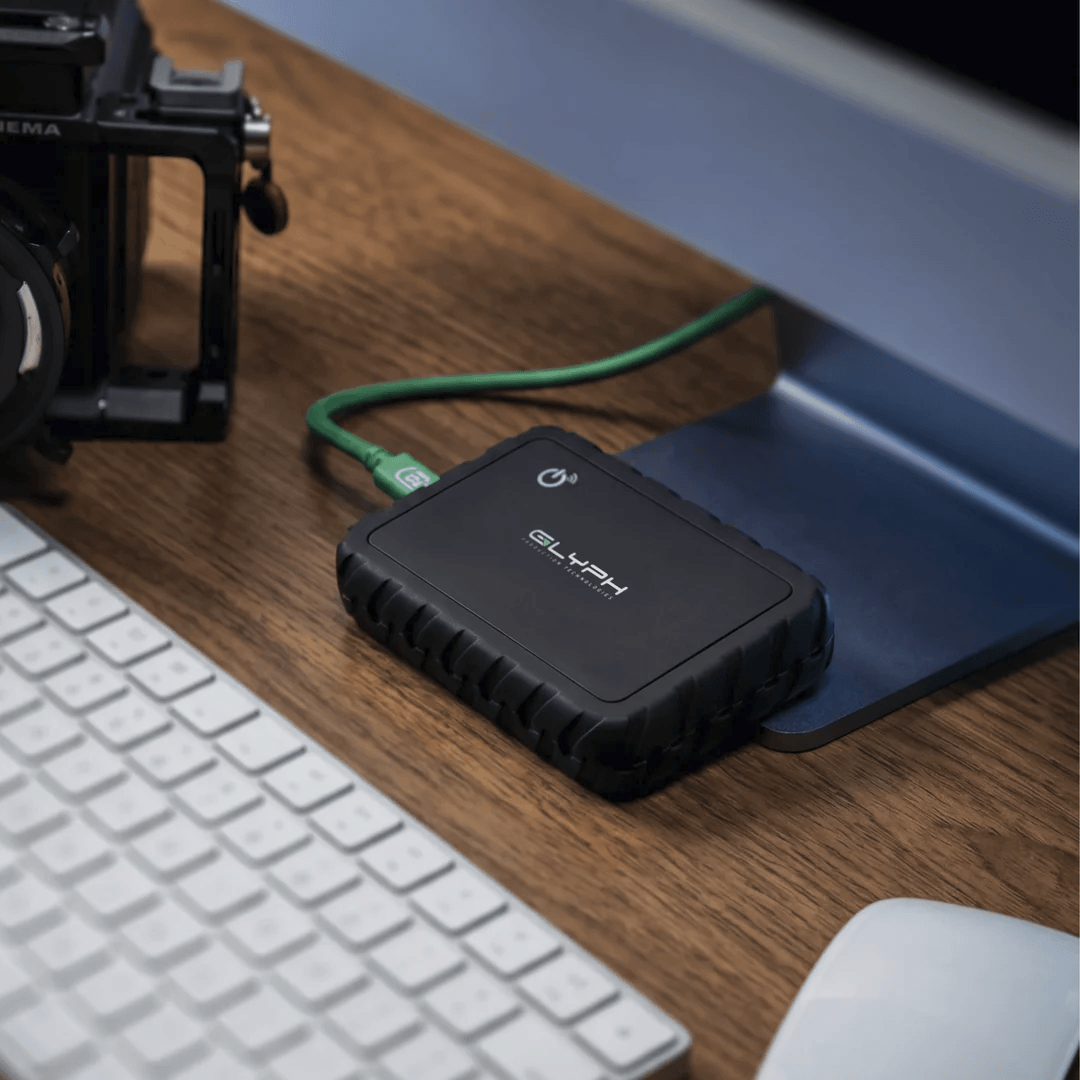
If you are a solo creator working exclusively from one desk and rarely need to access your files from a laptop or phone, save the cash and stick to a high-speed Thunderbolt DAS such as an Atom EX 80.