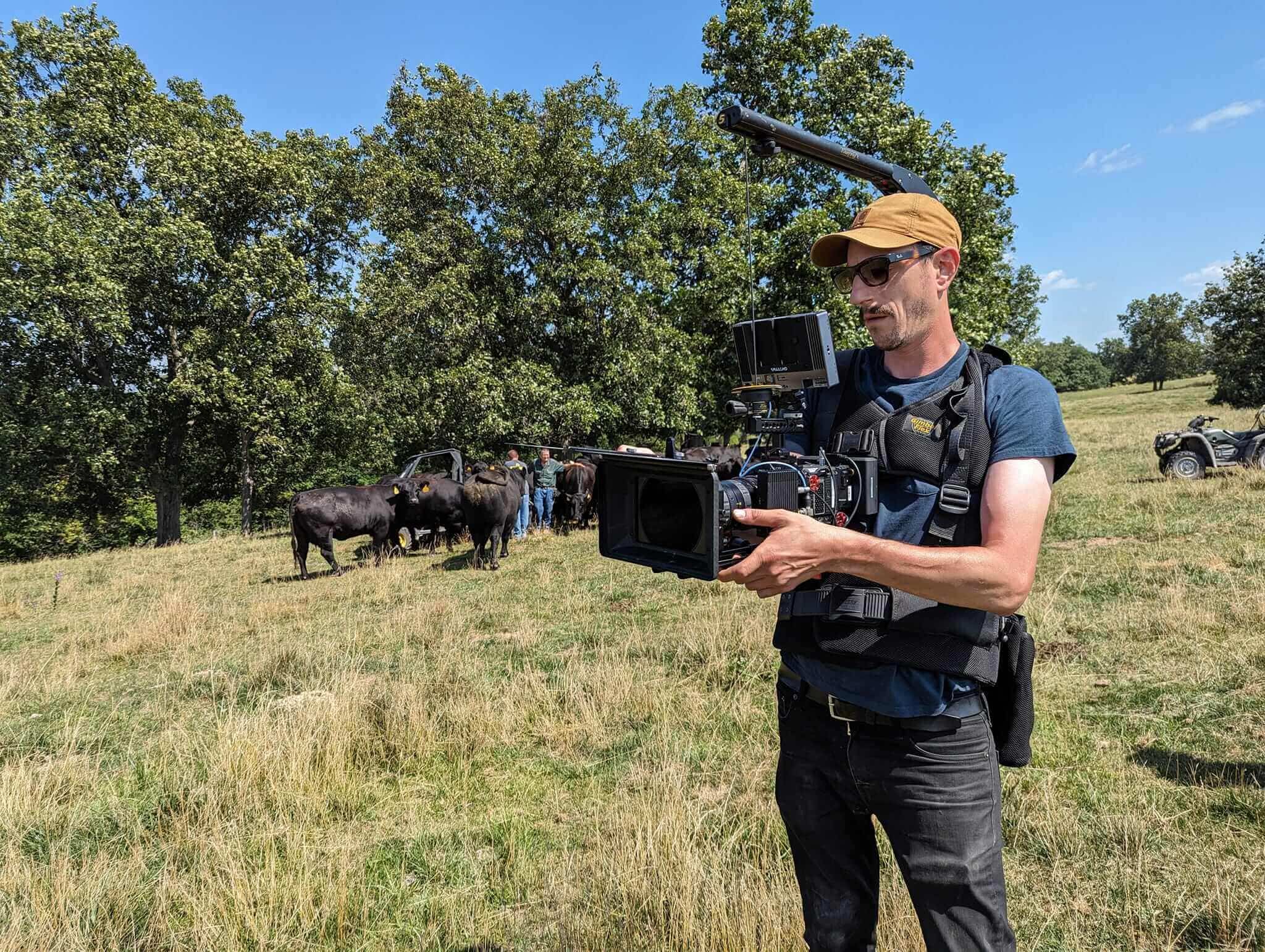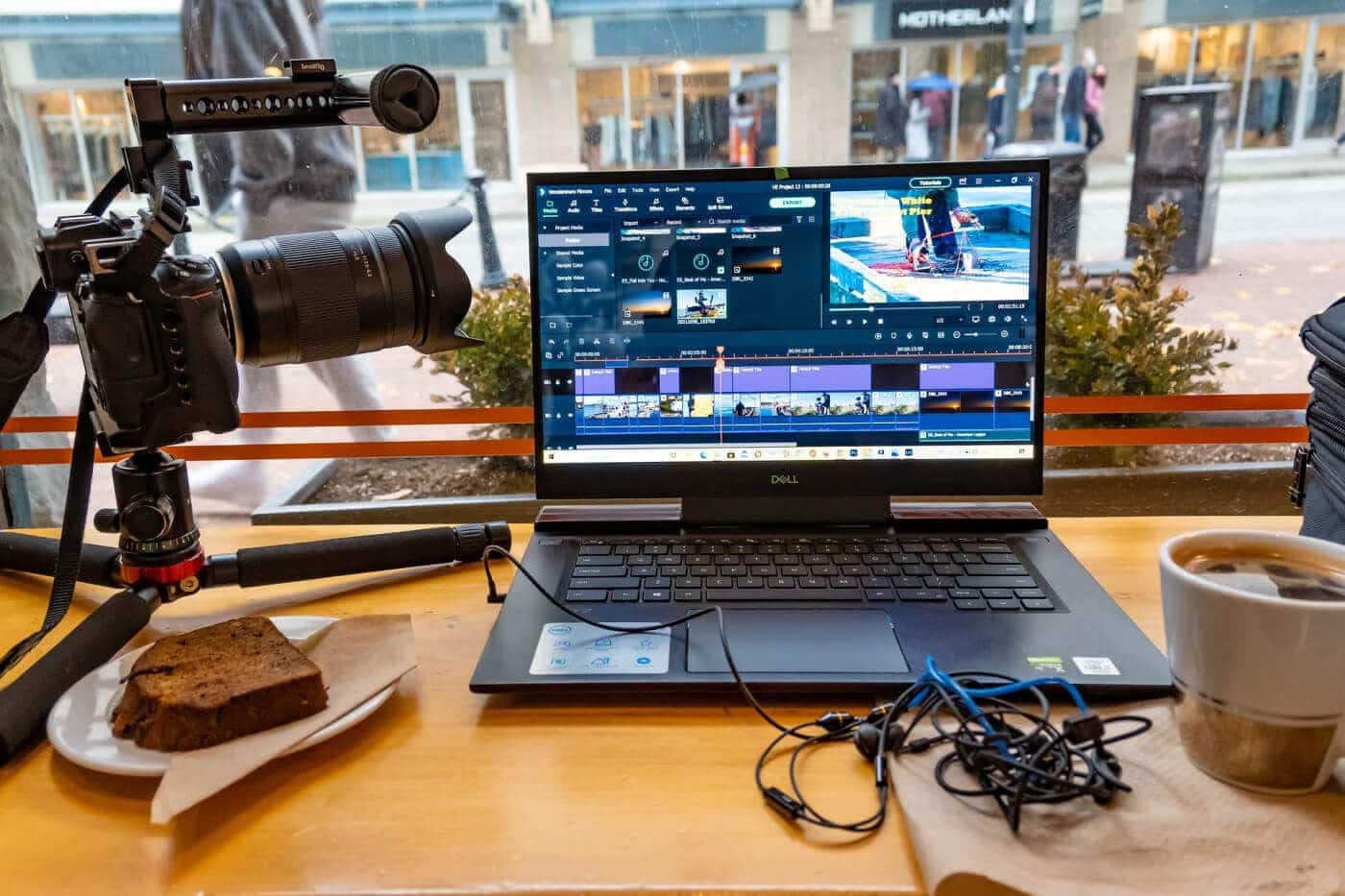
In the fast-paced world of digital content creation, the line between cinema-scale production and solo travel filmmaking has blurred completely. Modern creators are shooting high-bitrate 4K, 6K, and 8K RAW footage in extreme environments—from dusty desert dunes to freezing mountain peaks. However, as camera sensors and recording codecs become more advanced, the risk of data loss on location increases dramatically.
Traditionally, a Digital Imaging Technician (DIT) was a specialized crew member on a film set responsible for data management, quality control, and color pipeline management. Today, mobile and travel creators must act as their own DITs. Adapting field-tested DIT discipline is the only way to guarantee that irreplaceable footage survives the journey from camera sensor to post-production timeline.
1. The High-Stakes Reality of Mobile Content Creation
Unlike studio productions, travel and adventure filmmakers do not get second takes. If a memory card becomes corrupted, a drive fails due to environmental shock, or a file drops frames during a routine copy, the financial and creative losses can be devastating.
Relying on operating system drag-and-drop transfers in finder or explorer windows is one of the most common points of failure for field creators. OS-native file copy processes do not perform byte-for-byte verification, meaning a silent corruption or missing file can go unnoticed until you sit down in the editing suite weeks later.
2. Core Tenets of the Field DIT Framework
Building a bulletproof field workflow rests on three non-negotiable principles:
Checksum-Verified Offloading: Every transfer must utilize mathematical checksum algorithms (such as MD5, SHA-1, or xxHash) to verify that every single bit copied to the destination drive matches the source card perfectly.
Immediate Redundancy (The 3-2-1 Rule on Location): Maintain at least three copies of your media, stored across two different media types, with at least one copy stored in a separate physical location (e.g., primary drive in your backpack, secondary drive in hotel luggage, and lightweight proxies synced to cloud).
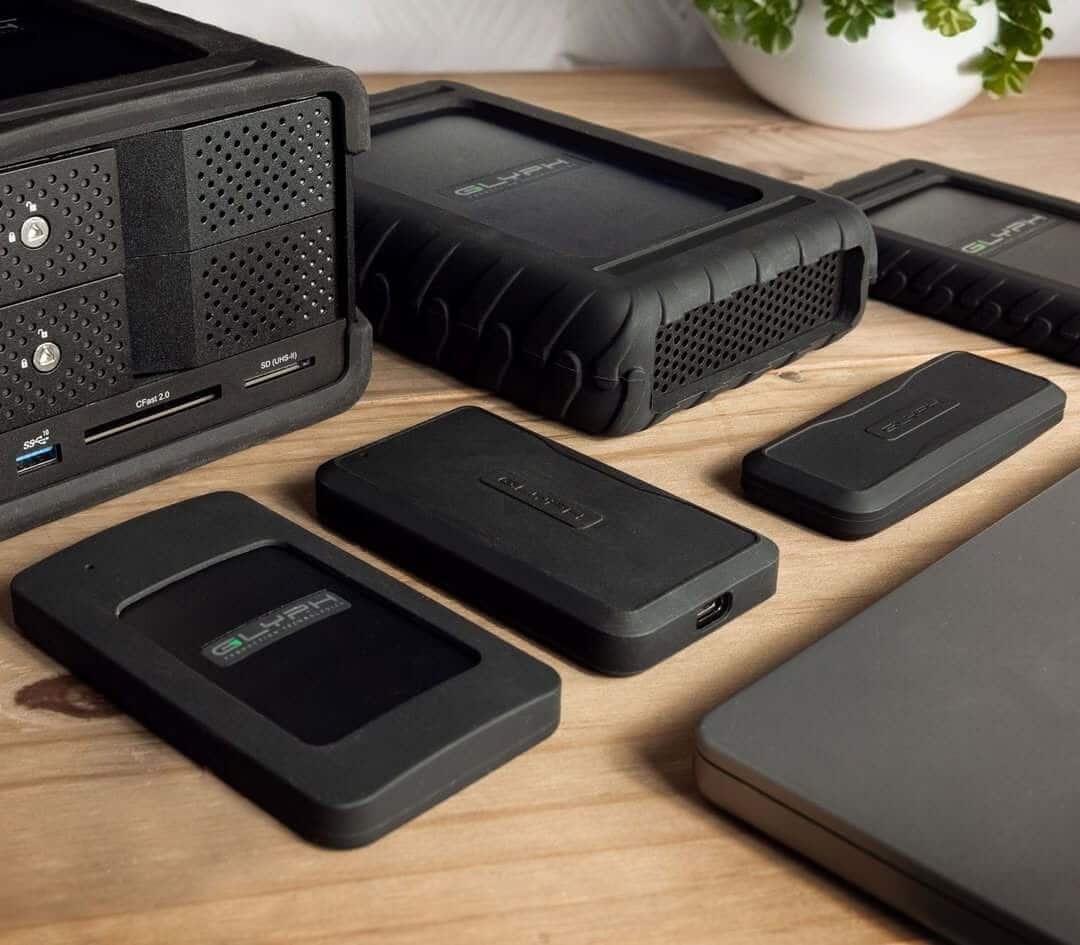
Environmental Hardware Hardening: Storage hardware must withstand physical drop impacts, extreme temperature variations, moisture, and dust penetration.
3. Hardware Architecture for Field Offloading
To execute a seamless offloading routine in the field, creators should categorize their storage ecosystem into distinct tiers based on speed, durability, and capacity requirements.
Storage Tier | Primary Function | Key Technical Specs | Recommended Drive Type |
|---|---|---|---|
Primary Offload Drive (Scratch) | Rapid field ingestion directly from CFexpress / SD cards | NVMe SSD, 1000–3000 MB/s, Ruggedized enclosure | |
Secondary Redundant Vault | Simultaneous identical backup for safety during travel | High-density SSD or compact HDD array, shock protection | |
Master Studio Archive | Long-term project consolidation upon return to base | RAID 0/1/5 hardware enclosures, Thunderbolt 3/4 or 10GbE |
4. Step-by-Step Field Execution Guide
Executing a clean field offload requires a disciplined, repeatable routine every time a memory card is pulled from a camera:
Lock the Card Immediately: Engage the physical write-protect switch on your SD or media card as soon as it exits the camera body to prevent accidental overwrites.
Use Dedicated Offload Software: Employ specialized DIT tools such as ShotPut Pro, OffShoot, or DaVinci Resolve’s Clone Tool. Set up dual-destination target drives (Primary SSD + Secondary Backup) to duplicate data concurrently.
Verify Hash Logs: Check that the offload utility generates a successful checksum report file (.txt or .pdf) confirming matching hashes across all destinations before wiping or reusing any media card.
Maintain Standardized Directory Naming: Structure folders consistently, using strict metadata conventions:
[YYYYMMDD]_[PROJECTNAME]_[CAM_LETTER]_[CARD_NUMBER]Separate Drive Physics During Transport: Keep your primary offload drive in your daypack and ship or store your secondary drive in a separate protective Pelican or camera case to avoid single-point catastrophic loss during travel.
5. Thermal and Power Management Considerations
High-speed NVMe drives generate substantial heat during sustained multi-gigabyte transfers. In hot ambient environments, thermal throttling can severely slow down transfer rates or trigger drive safety shutdowns. Choosing external storage built with solid aluminum heat-sink enclosures ensures efficient heat dissipation without reliance on fragile active cooling fans.
Additionally, power delivery is critical when offloading via laptops or portable battery banks in remote locations. Ensure bus-powered drives draw efficient wattage and use high-grade USB-C or Thunderbolt cables certified for high data throughput and stable power transmission.
Conclusion
By replacing informal file-handling habits with a dedicated field DIT protocol, travel and mobile creators protect their creative work, client investments, and peace of mind. Investing in rugged, high-performance storage engineered for professional reliability ensures that no matter how remote the shoot location, your data arrives safely back in the studio.